
Money Downloader: fast downloads, torrents, and scheduled updates 💸
Money Downloader is a focused Android download manager that keeps regular file downloads, torrent tasks, and recurring update checks in one clean app.
Why Money Downloader stands out ✨
- ⚡ Download regular files quickly with pause, resume, retry, and background progress.
- 🧲 Handle both
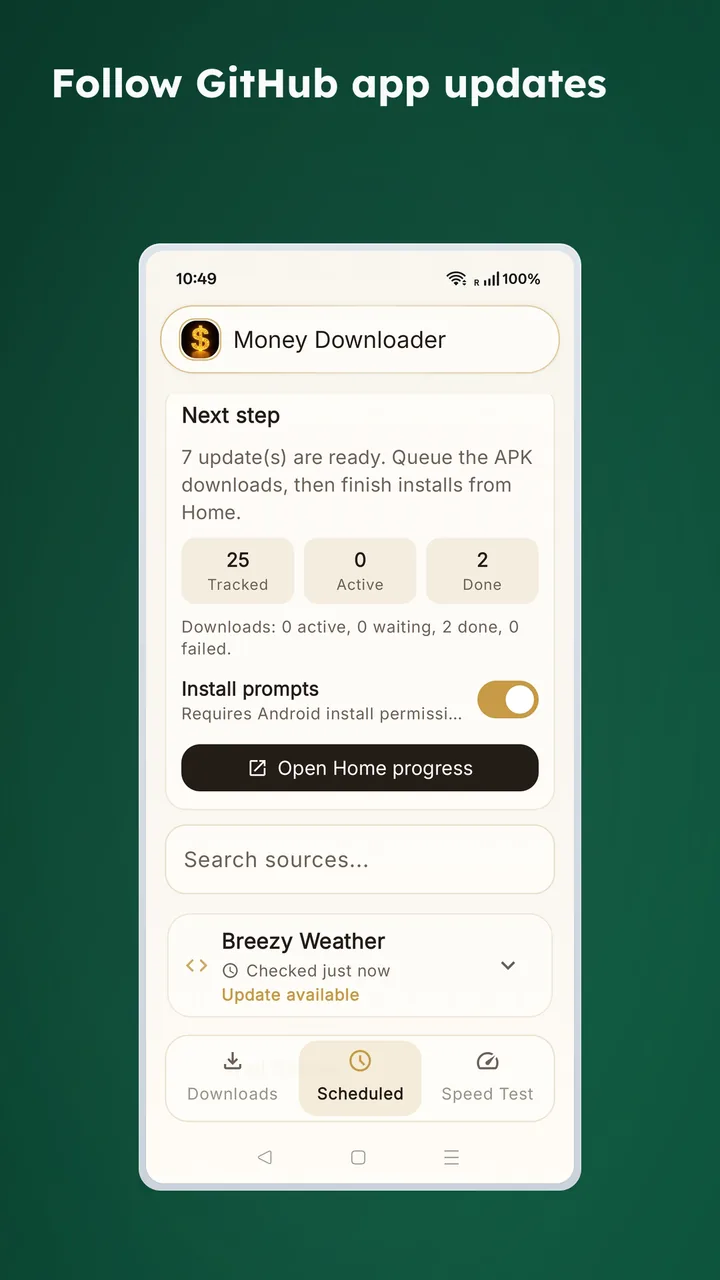
.torrentfiles andmagnet:links with full BitTorrent support. - 🔄 Track app sources and check GitHub releases or direct links on a schedule.
- 📦 Download APK, XAPK, and APKS files more comfortably.
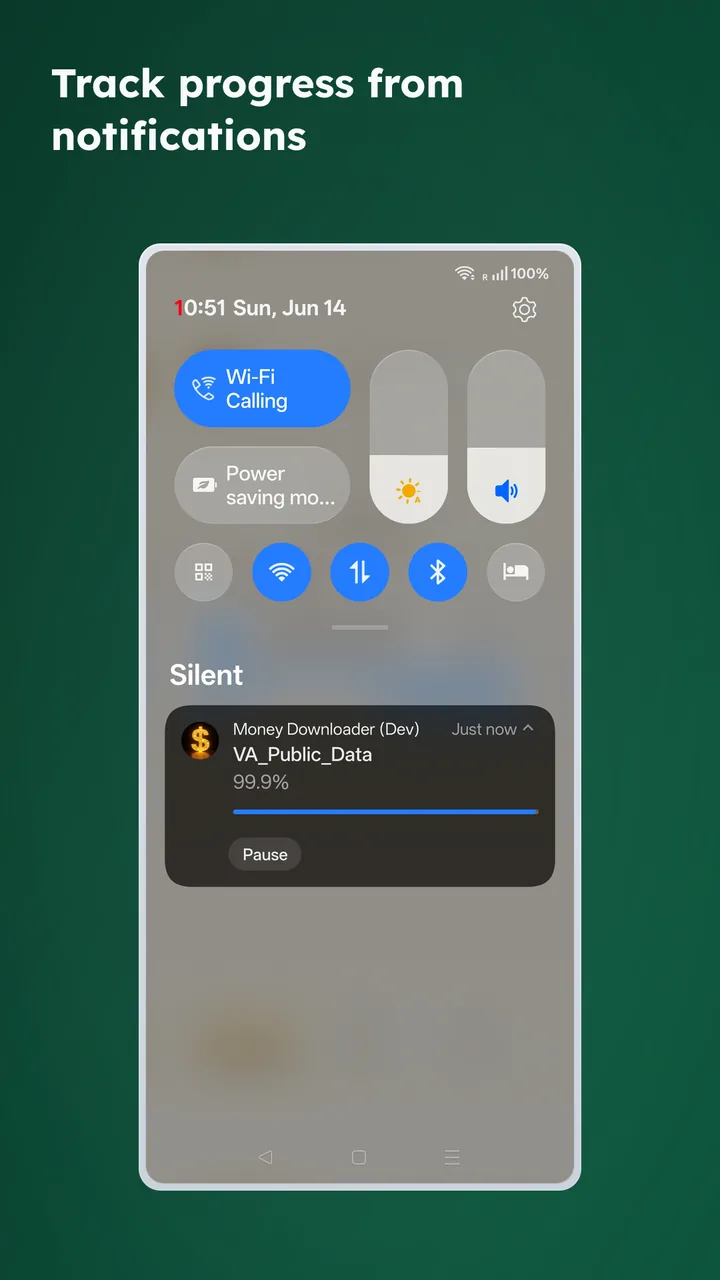
- 🔔 Keep progress visible through Android notifications.
- 🛡️ No ads, no tracking, and no unnecessary clutter.
- 🎨 Clean interface with practical settings for downloads, torrents, appearance, and proxy.
What you can do
Download regular files
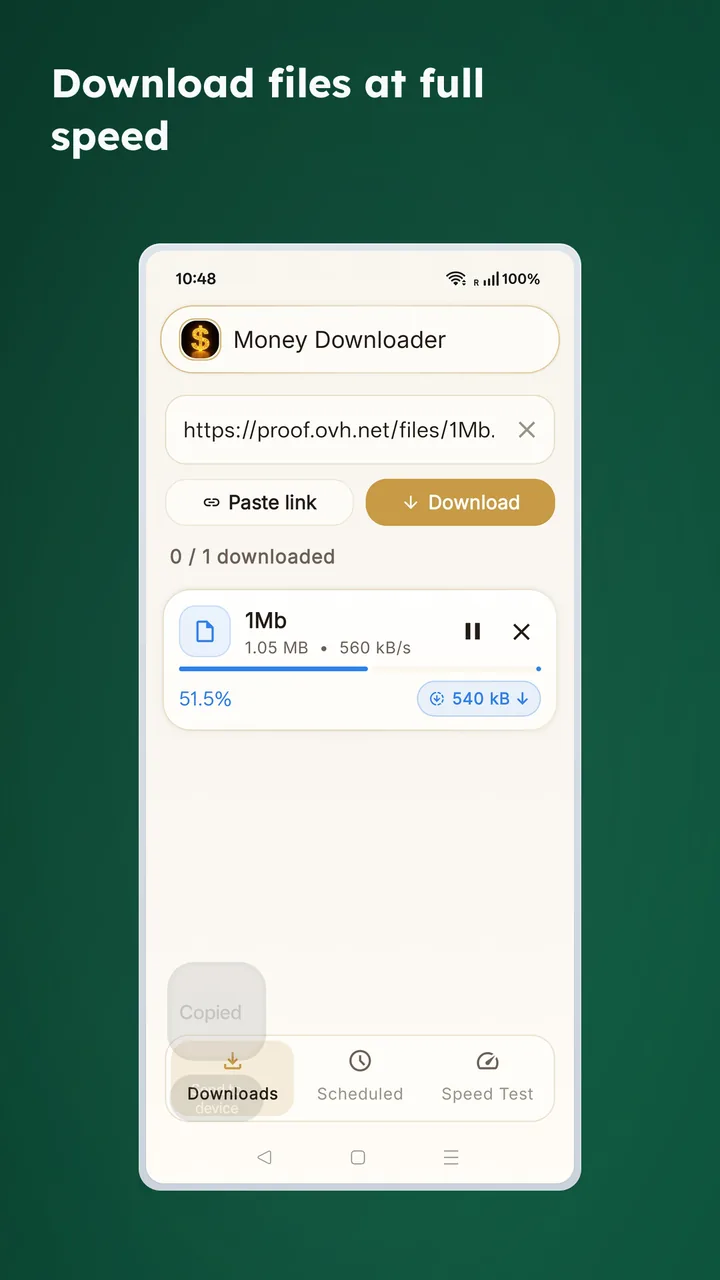
- Paste a direct file URL and start immediately.
- Watch progress, transfer speed, and task state from the main list.
- Let downloads continue while you use other apps.
Download torrents and magnet links
- Open
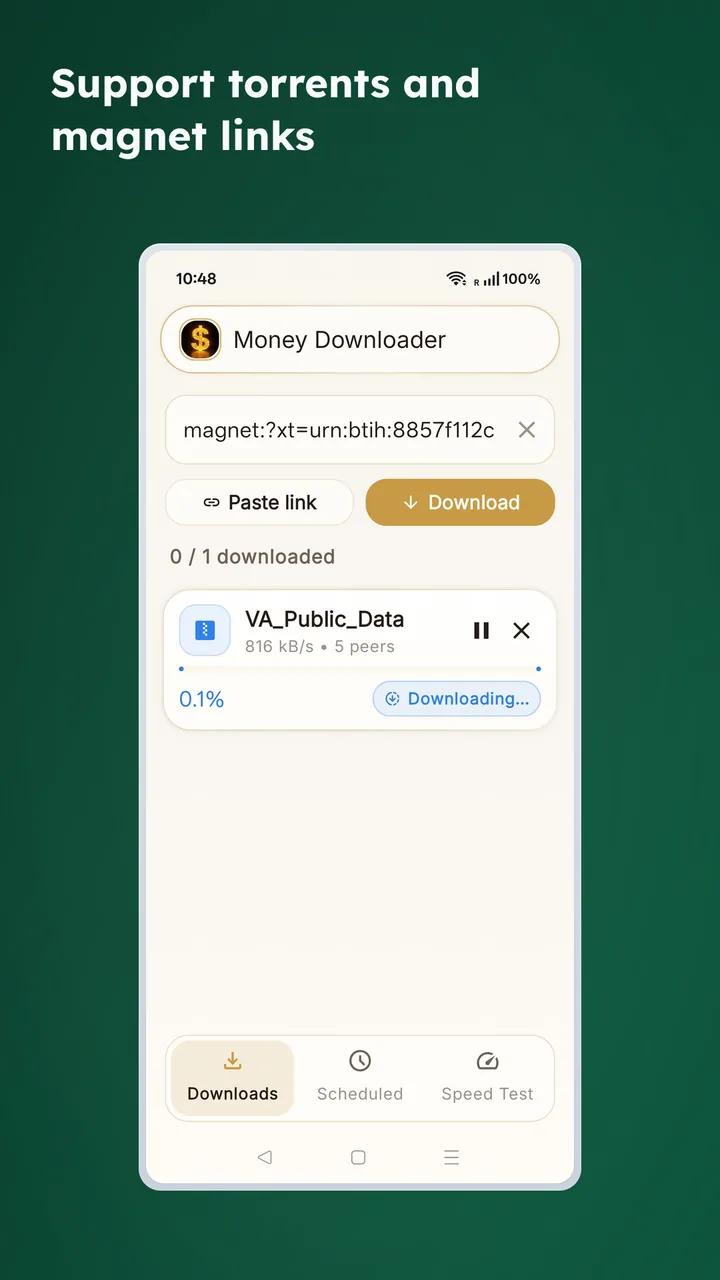
.torrentfiles andmagnet:links in the same app. - See progress, speed, and peer activity for torrent tasks.
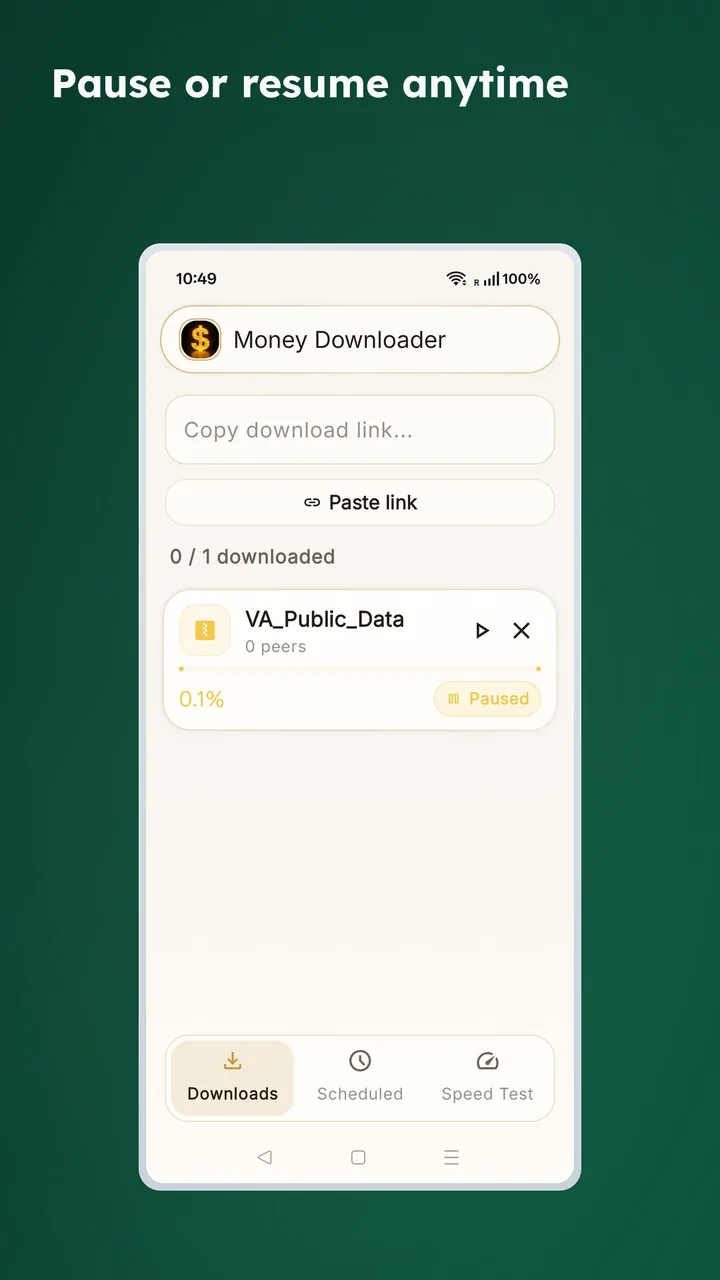
- Pause, resume, retry, cancel, or keep seeding when a torrent finishes.
Review completed downloads
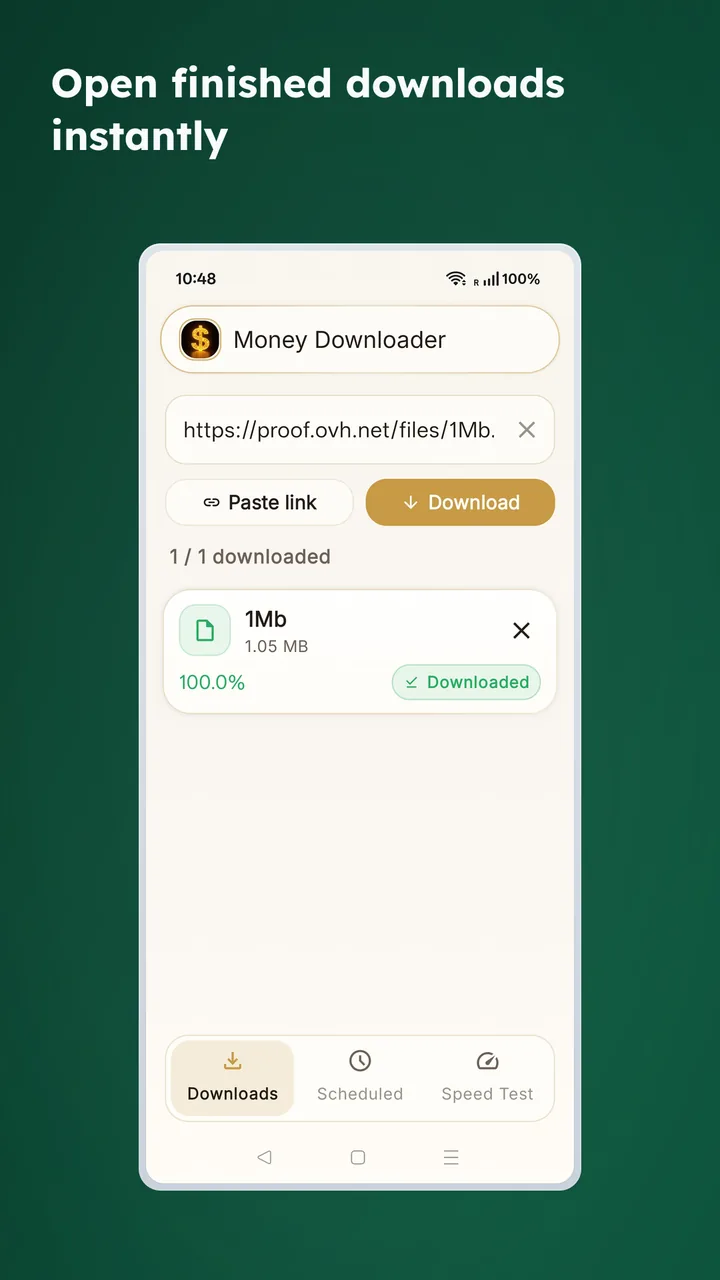
- Open finished files when they are ready.
- Keep task history visible in the main list.
- Remove task records without automatically deleting the downloaded file.
Follow progress from notifications
- Keep long downloads visible without staying inside the app.
- Get completion alerts when a file is ready.
- Useful for large files and background torrent sessions.
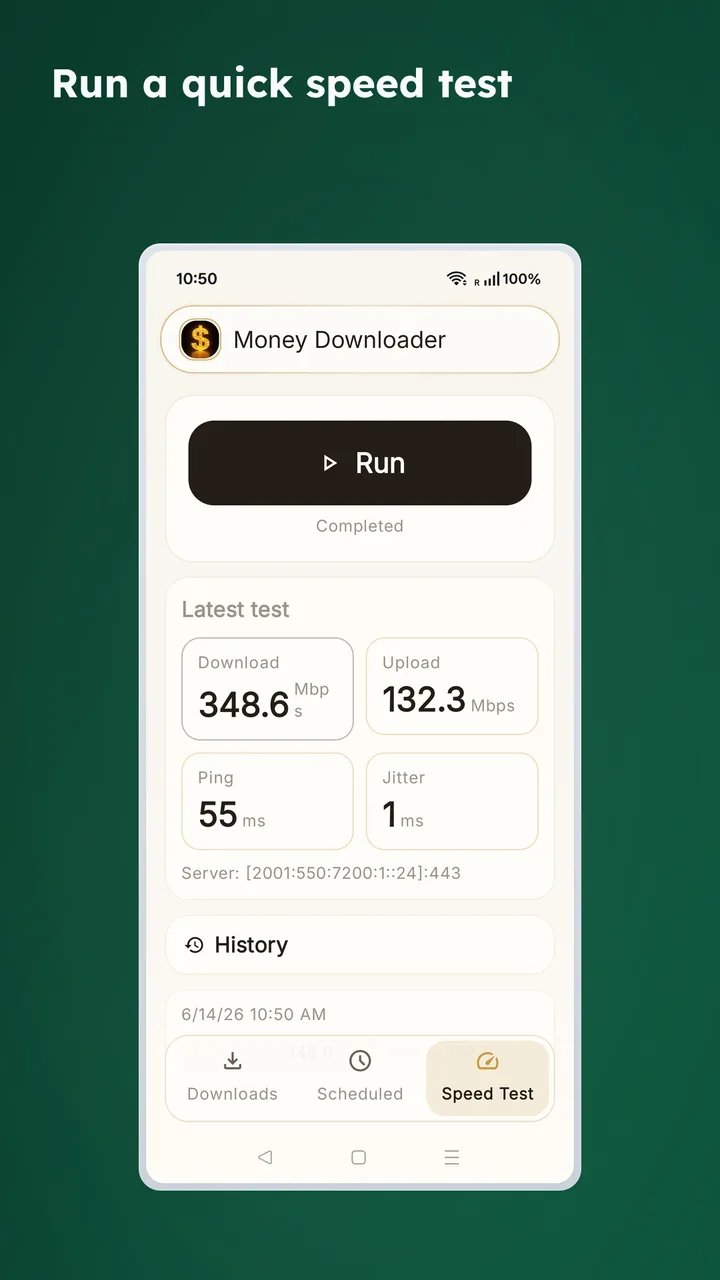
Check your network with Speed Test
- Run a quick speed test inside the app.
- See download speed, upload speed, ping, jitter, and server details.
- Helpful when you want to tell whether the bottleneck is your network or the source.
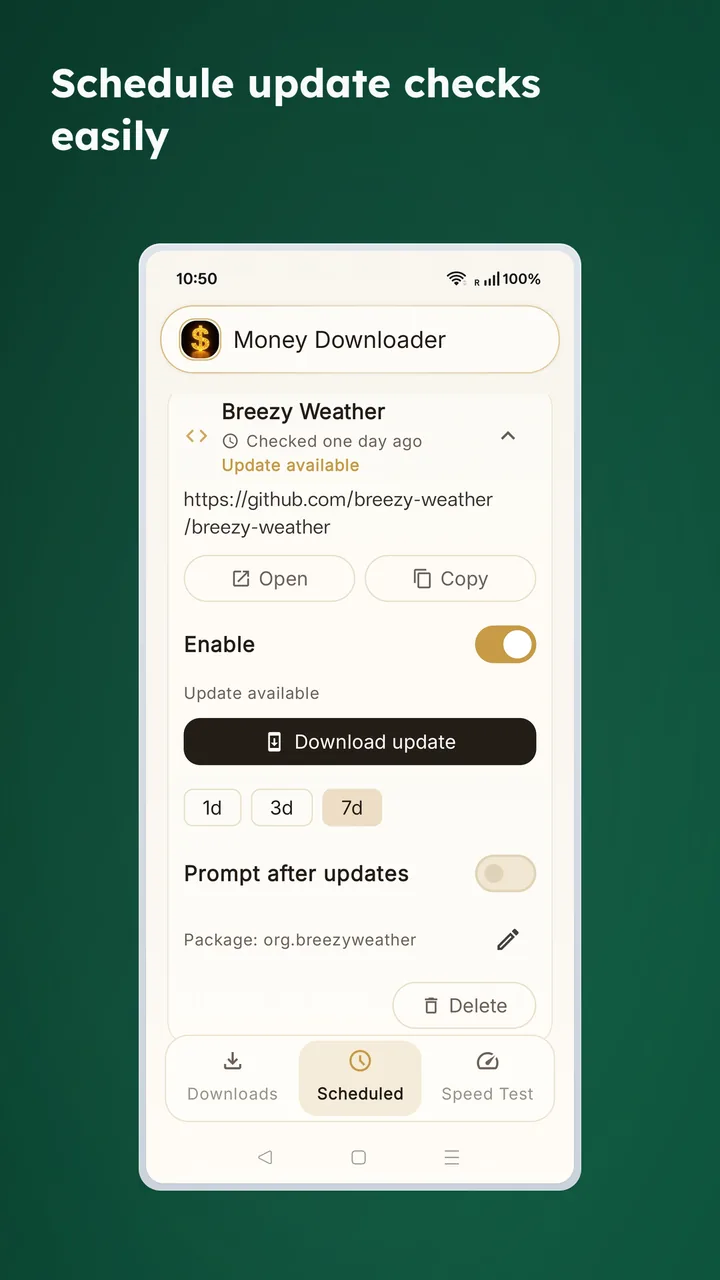
Configure scheduled update checks
- Add software sources you want to revisit automatically.
- Choose a check interval for each source.
- Good for Obtainium-like workflows where you want the app to monitor releases for you.
Key features
- 📥 HTTP and HTTPS file downloads
- 🧲 Torrent and magnet link support
- ⏯️ Pause, resume, retry, cancel, and remove tasks
- 🌊 Optional torrent seeding after completion
- 📂 Configurable download location
- 🌐 Proxy settings for supported network setups
- 📦 Better workflows for APK package downloads
- 🔄 Import and export of tracked update sources
- 🤖 Scheduled checks for GitHub releases and direct links
How to use it
- Install Money Downloader and open it.
- Allow notification permission so progress and completion alerts can work.
- Paste a file URL, torrent URL, or magnet link on the main page.
- Start the task and follow progress in the app or notification shade.
- For recurring checks, add a source on the Scheduled page and choose an interval.
Test links
Privacy and permissions
- Notification permission is used for progress and completion updates.
- File access is used to save downloads and handle torrent files properly.
- APK installation still goes through Android's own installer.
- Money Downloader is built for private use, without ads or usage tracking.
Part of the HuBrowser ecosystem
Money Downloader works well as a standalone Android downloader, and it also fits neatly into the HuBrowser ecosystem when you want a separate tool for heavy downloads, torrents, or recurring APK update checks.