
🔔 Notifications
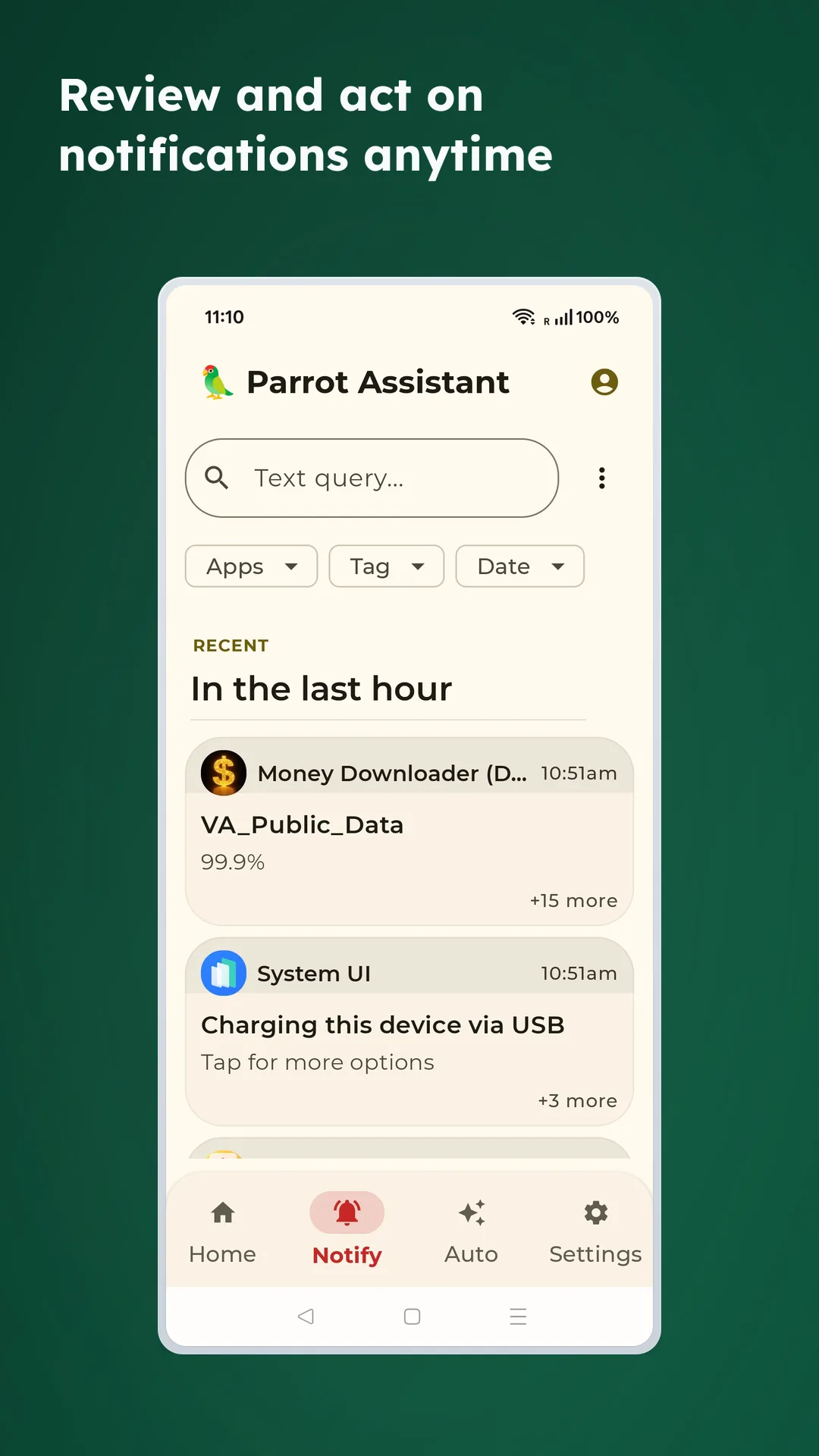
If you ever think “where did that notification go?”, this feature is for you. Even after a notification is dismissed, you can come back later and search by app, tag, or date.
✨ What it helps with
- Text search: Find shipping updates, payment alerts, or a phrase from a past message
- Filter chips: Narrow the list by app, tag, and date
- Review later: Keep a usable inbox-style view after the original notification moment has passed
- Works well with automation: Turn repeated notification patterns into rules later
📌 Common situations
📦 Shipping and parcel tracking
- Search by keywords such as
tracking,delivery, orshipment - Review earlier messages even after the shipment app has already rotated them out of the shade
💳 Payment and transaction alerts
- Find terms such as
transfer,payment, orsubscription - Filter by app when multiple financial tools are involved
💬 Work and team notifications
- Keep team apps visible while deprioritizing noisier sources
- Revisit what arrived during a meeting instead of checking every banner live
🗂️ Helpful for day-to-day cleanup
- Live search: Find specific messages or topics in your history
- App and date filters: Slice the inbox down to a manageable subset
- Tags and groups: Organize recurring notifications into more useful buckets
- Automation handoff: Build rules around recurring notification patterns
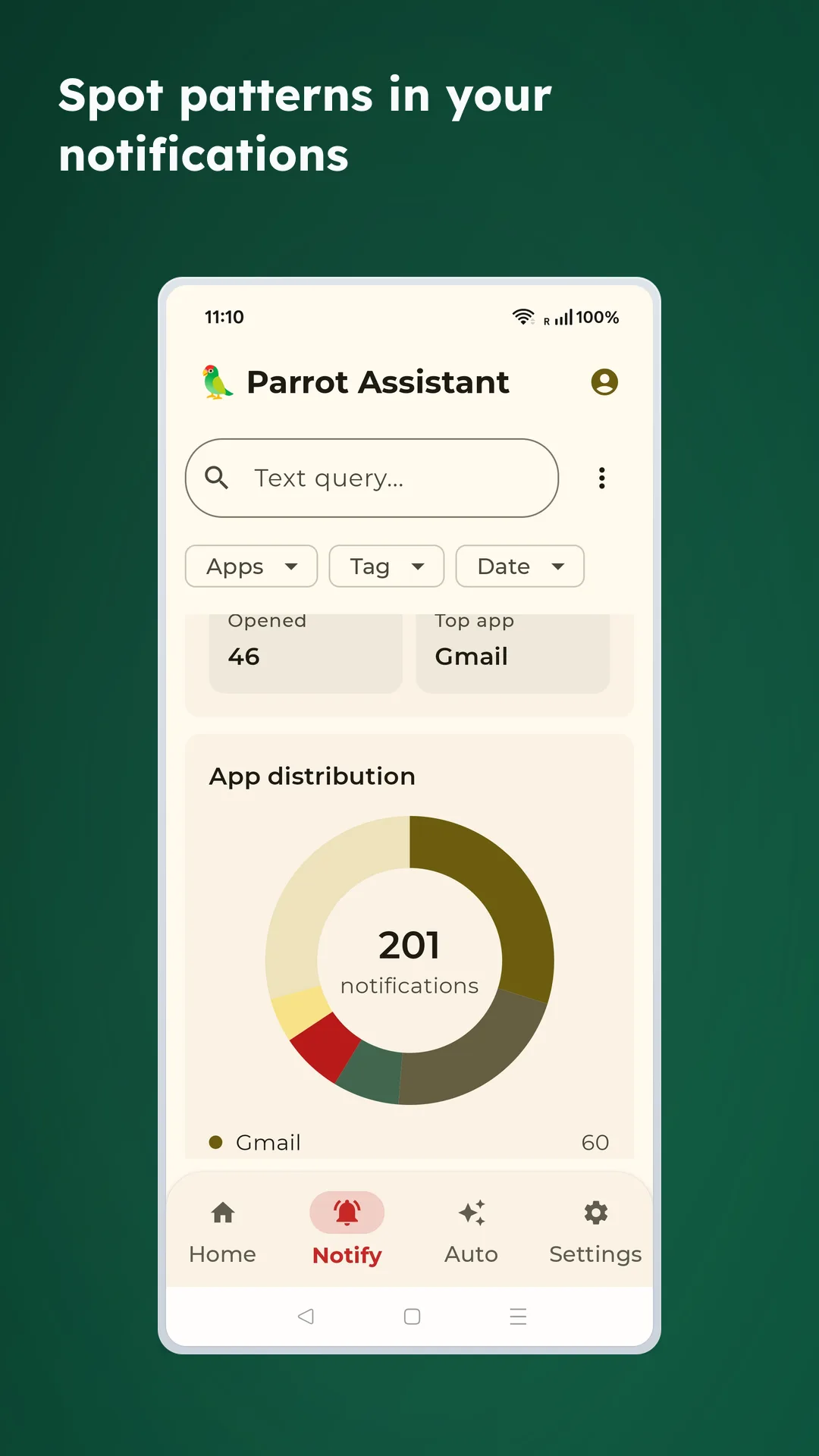
📊 You can also spot patterns
When you use the notification inbox regularly, Parrot can also help you see which apps generate the most noise and which notification sources dominate your day.
🔐 Privacy
- Notification review and search stay local to the device
- Nothing about this inbox requires a cloud sync layer
- You still control notification-access permission at the Android system level