
🤖 Automation
If you keep doing the same little things on your phone, automation can take a lot of that repetition away. Start with a template, then tweak it when you know what you want.
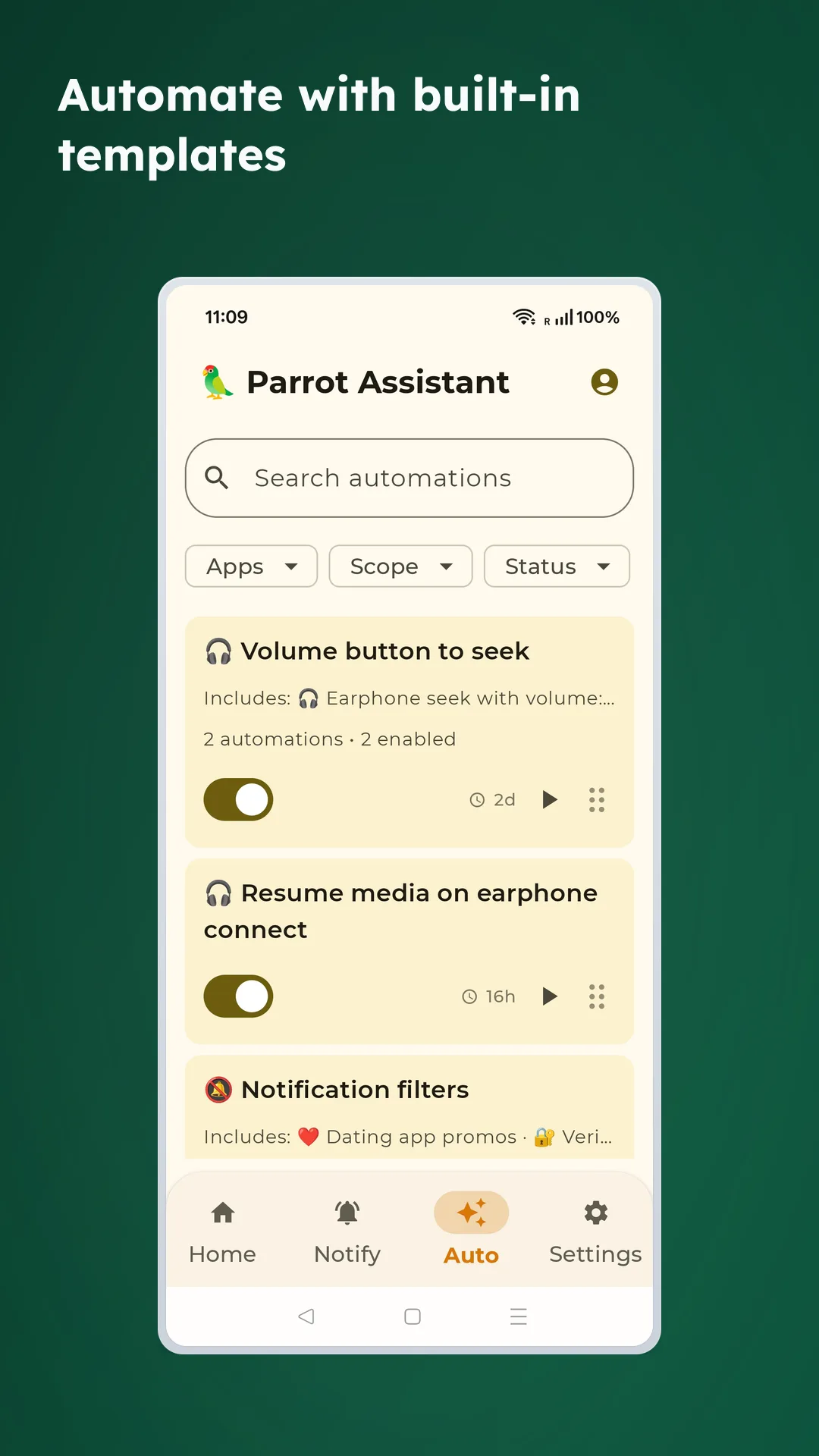
✨ The easiest way to start
- Pre-built templates you can enable immediately
- Customize templates to fit your habits
- A good fit when you want value quickly without building every rule from scratch
🪄 Common triggers
- Receive a notification from a specific app, sender, or keyword
- Time-based schedules
- Volume-button double-click detection
- Ringer mode changes
- Bluetooth connected or disconnected
- Network connected or disconnected
- App launch
- Another automation finishing first
▶️ What a rule can do
- Skip forward in media
- Rewind in media
- Send a local notification
- Launch an app
- Open app notification settings
- Trigger an event for chaining rules
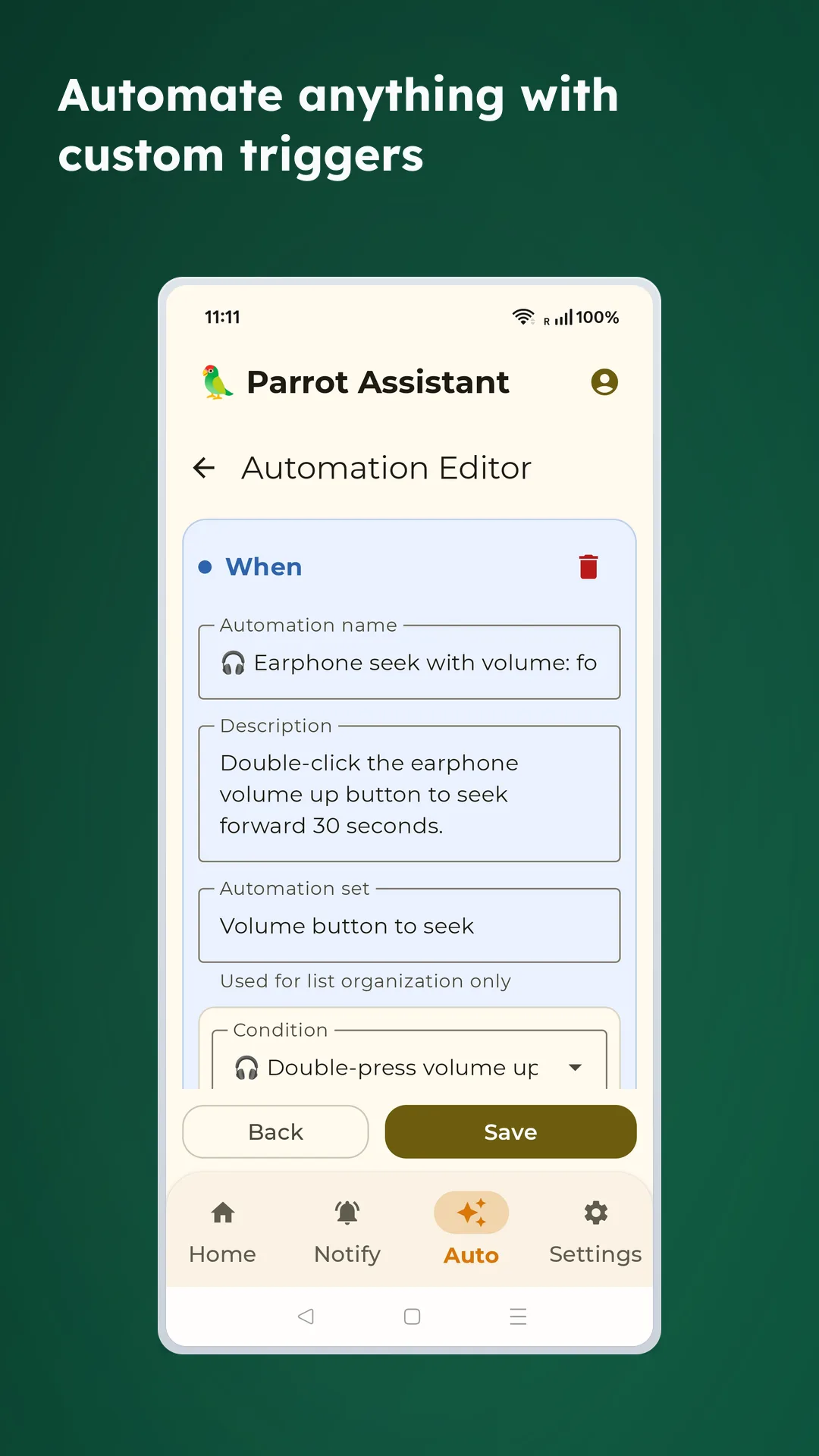
🧩 Useful examples
🎧 Headphone volume controls
- Double-click volume up on earphones: Skip ahead 30 seconds
- Double-click volume down on earphones: Rewind 10 seconds
- Only works when headphones are detected
- Automatically restores the original media volume after the seek action
🔔 Notification automation
- Prioritize alerts from important contacts
- Suppress promotional notifications during work hours
- Build rules around recurring notification patterns you search for often
📅 Everyday rules
- Resume media when earphones connect
- Launch a target app when a trigger pattern appears
- Send yourself a local reminder after a specific event chain
👍 It does not have to be complicated
- It saves taps on tasks you repeat every day
- Templates help you get value quickly
- You can keep simple rules simple instead of building a huge automation system
🗃️ Rule management
- Centralized automation dashboard for all rules
- Enable or disable individual rules at any time
- Import and export configurations for backup or migration