
🦜 Parrot Assistant
If you type a lot on your phone, lose track of notifications, or repeat the same little actions every day, Parrot Assistant can save you time.
Most people start with these two entry points:
- An AI keyboard for faster voice typing and editing in any text field
- A swipe-out side panel for quick tools anywhere on the phone
On top of that, the app adds a searchable notification inbox, simple automation, and assistant actions like opening apps, selecting visible text, scanning codes, or drafting replies.
- Side Panel: Swipe in from the edge to open your most useful tools
- AI Keyboard: Voice typing, cursor tools, word deletion, gesture typing, and emoji
- Notifications: Search and revisit old notifications after they are gone from the shade
- Automation: Turn repeated tasks into simple rules
- Voice Commands: Open apps, select text, search, and trigger quick actions with short prompts
Voice features require HuBrowser Membership.
Download on Google Play🎬 Demo videos
If you want a quick feel for how the app works, start with these short videos.
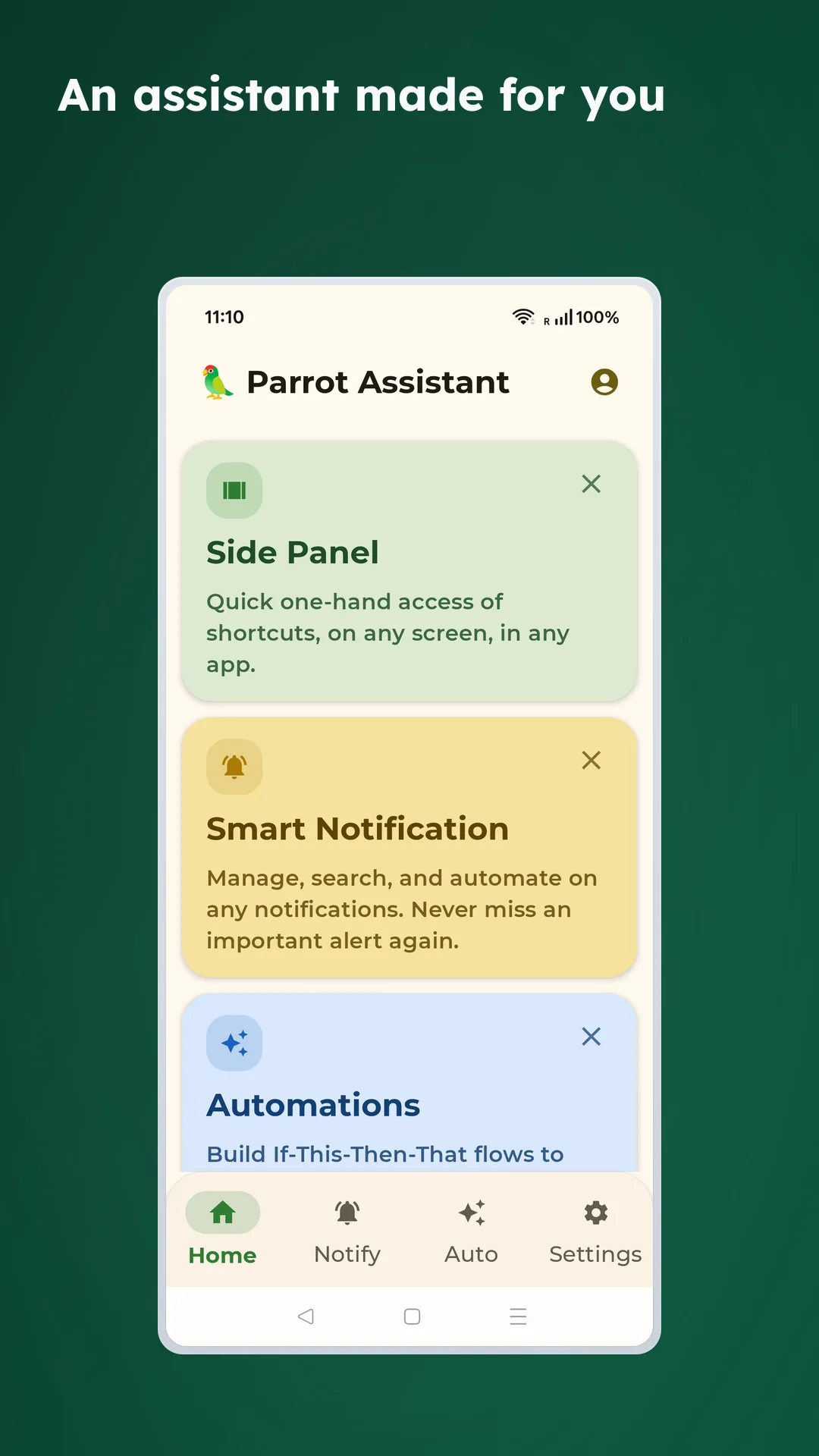
🏠 Start with the home screen
The home screen pulls the main areas together, so it is the best place to understand how everything connects before you dive into each feature.
🙋 Who it is good for
- People who reply to lots of messages: Voice typing and editing tools are much easier here
- People who lose notifications: You can search them again later
- People who want fewer taps: The side panel and voice commands help a lot
- People who repeat the same tasks: Automation removes small bits of friction every day
🔐 Privacy and permissions
- Recording only starts when you explicitly tap voice input
- Permissions are feature-based: keyboard for typing, accessibility for side panel actions, camera for scanning, notification access for inbox and automation
- Most management features stay on-device, including notification review and local configuration
- The app explains setup requirements inside each feature area instead of hiding them
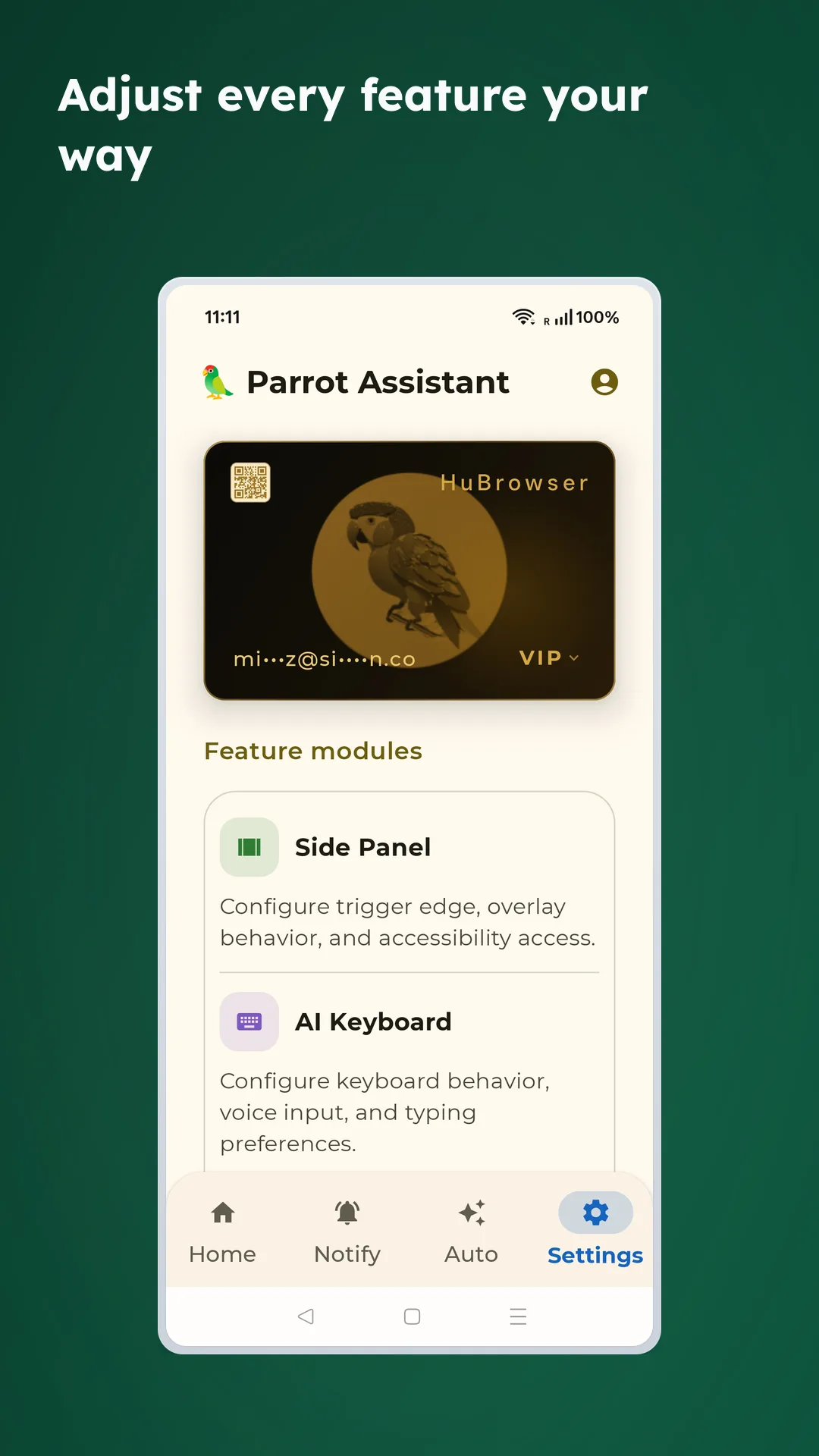
The settings area is where you manage the side panel, AI keyboard, and the permissions they need.
🎤 Voice features and membership
Voice transcription is tied to HuBrowser Membership:
- Unregistered users get a limited free allowance
- Members get 20 transcriptions per 24 hours
- Voice history and remaining quota are visible from the keyboard settings flow
🧭 What to read first
✅ Recommended order
If this is your first time with the app, start here:
- Side Panel for anywhere-on-screen access
- AI Keyboard for fast voice typing
- Automation once the basics are already set up
Then move on to Notifications and Voice Commands once you want more context-aware workflows.